
Back to helpGuide
Show the laundry room schedule
You keep the laundry room schedule as a notice. When a time changes, you edit the text, and the screen shows the new version.
As a video
The video has no sound, the steps appear in it as subtitles.
Step by step
Step 1: Under “Content”, click “New content” and choose the “Document” template.
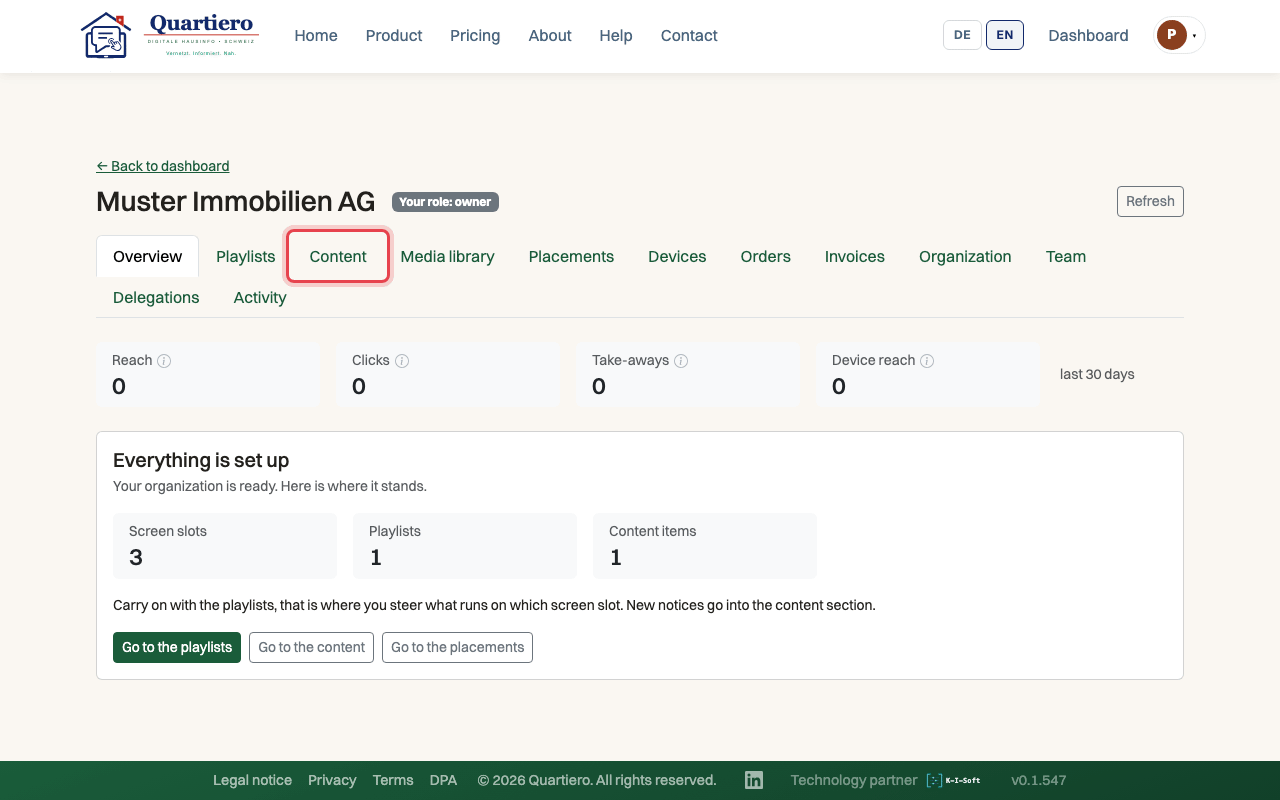
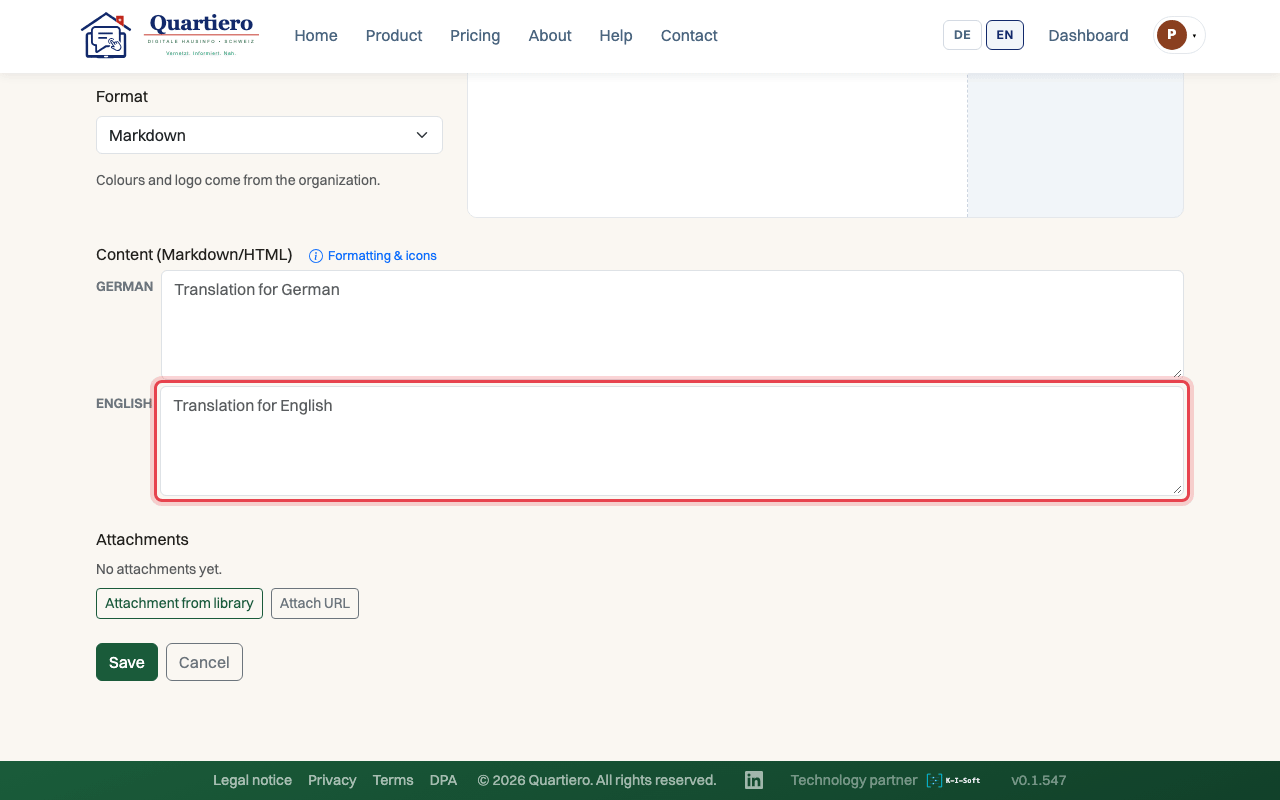
Step 2: Write the schedule, one line per weekday with the times of the flats.
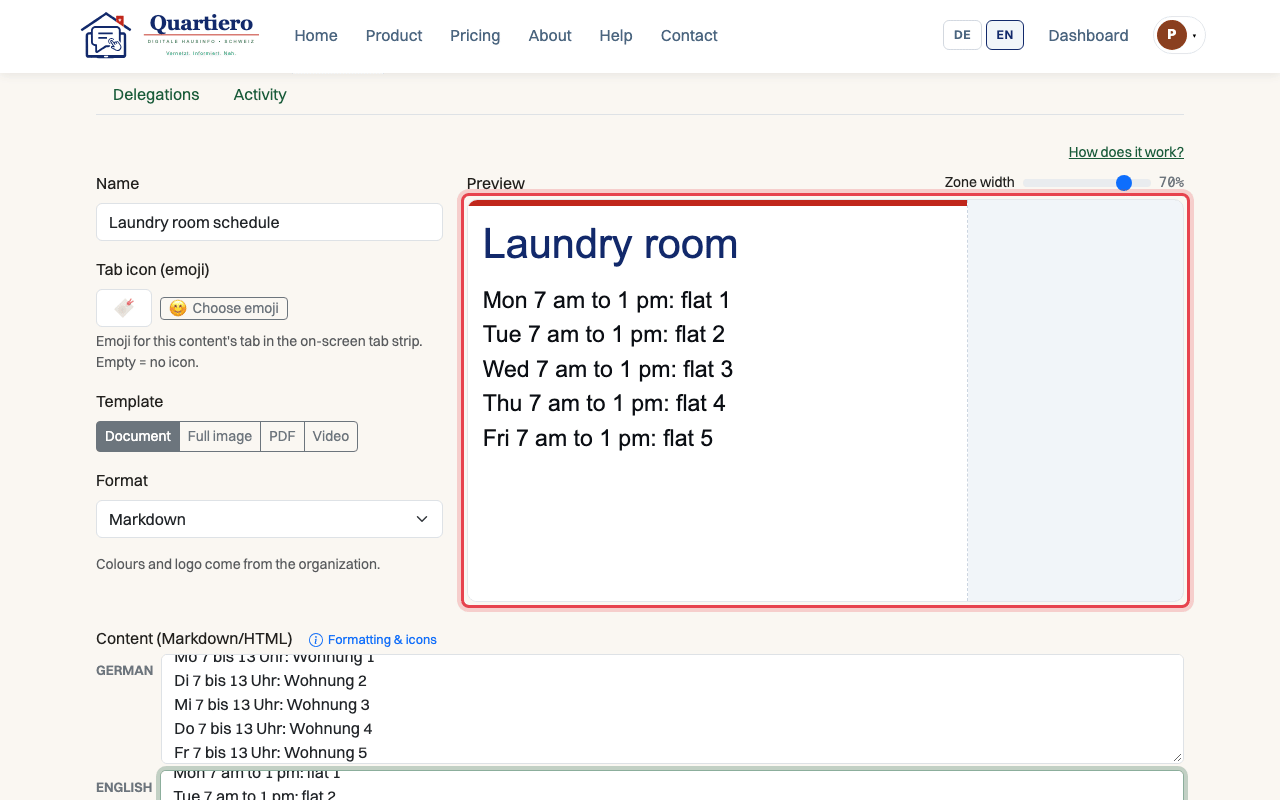
Step 3: Check in the preview that the schedule reads well, then click “Save”.
Step 4: Add the schedule to the building’s playlist and save.
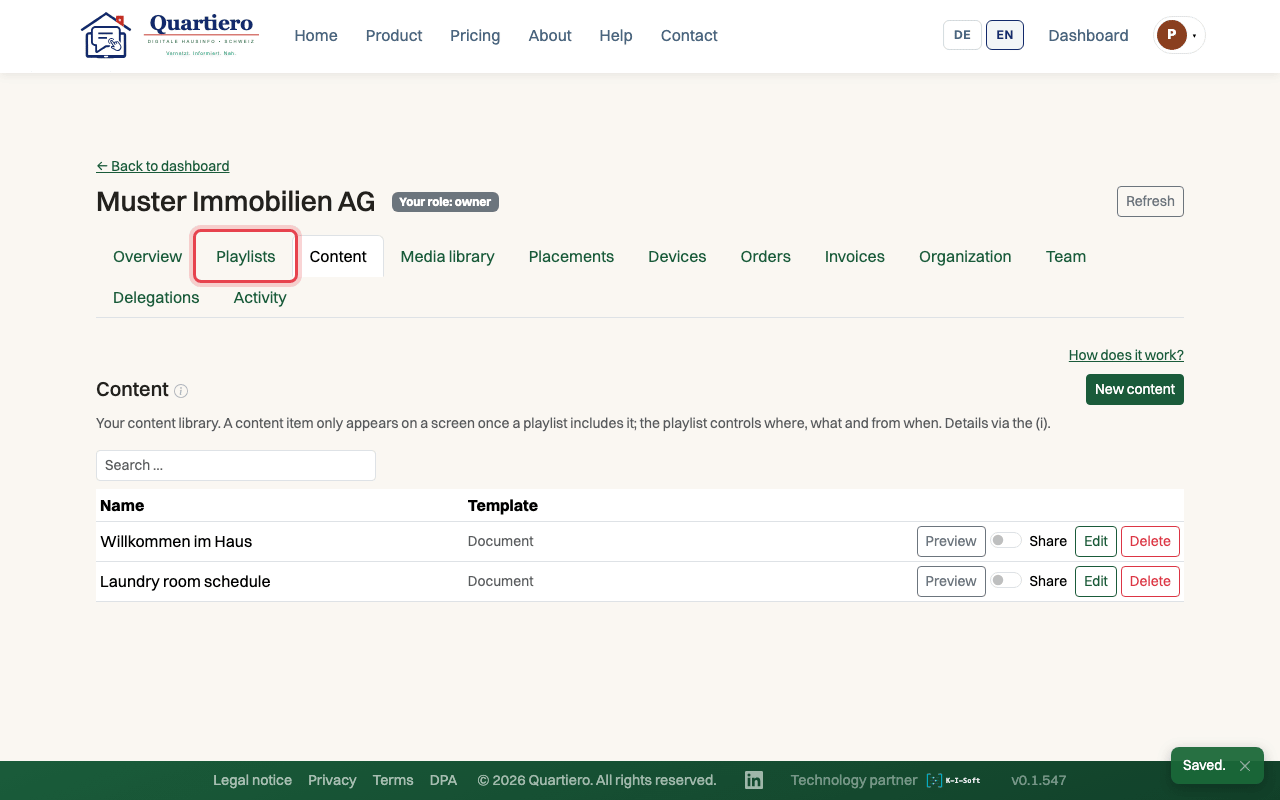
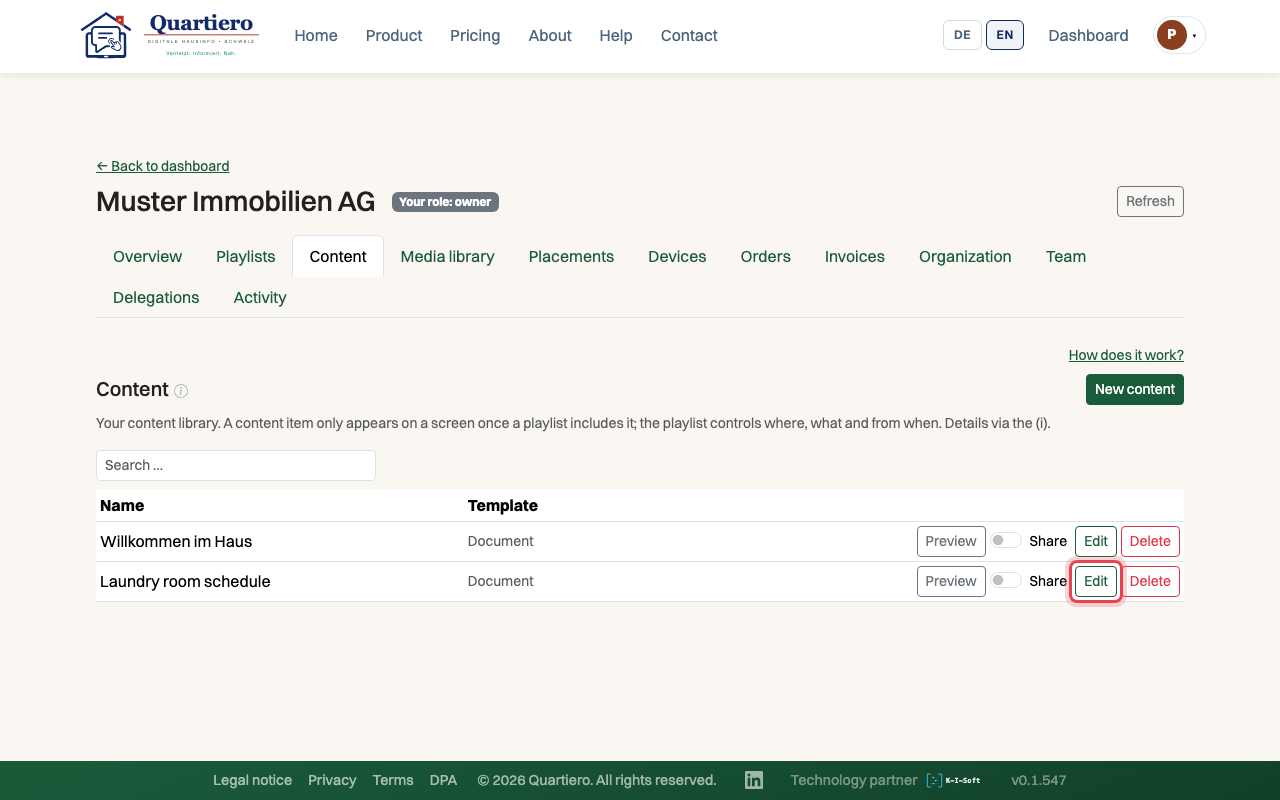
Step 5: When the schedule changes, click “Edit” on the content and save again.
Stuck at some point? Then write through the contact page. Get in touch