
For rental properties
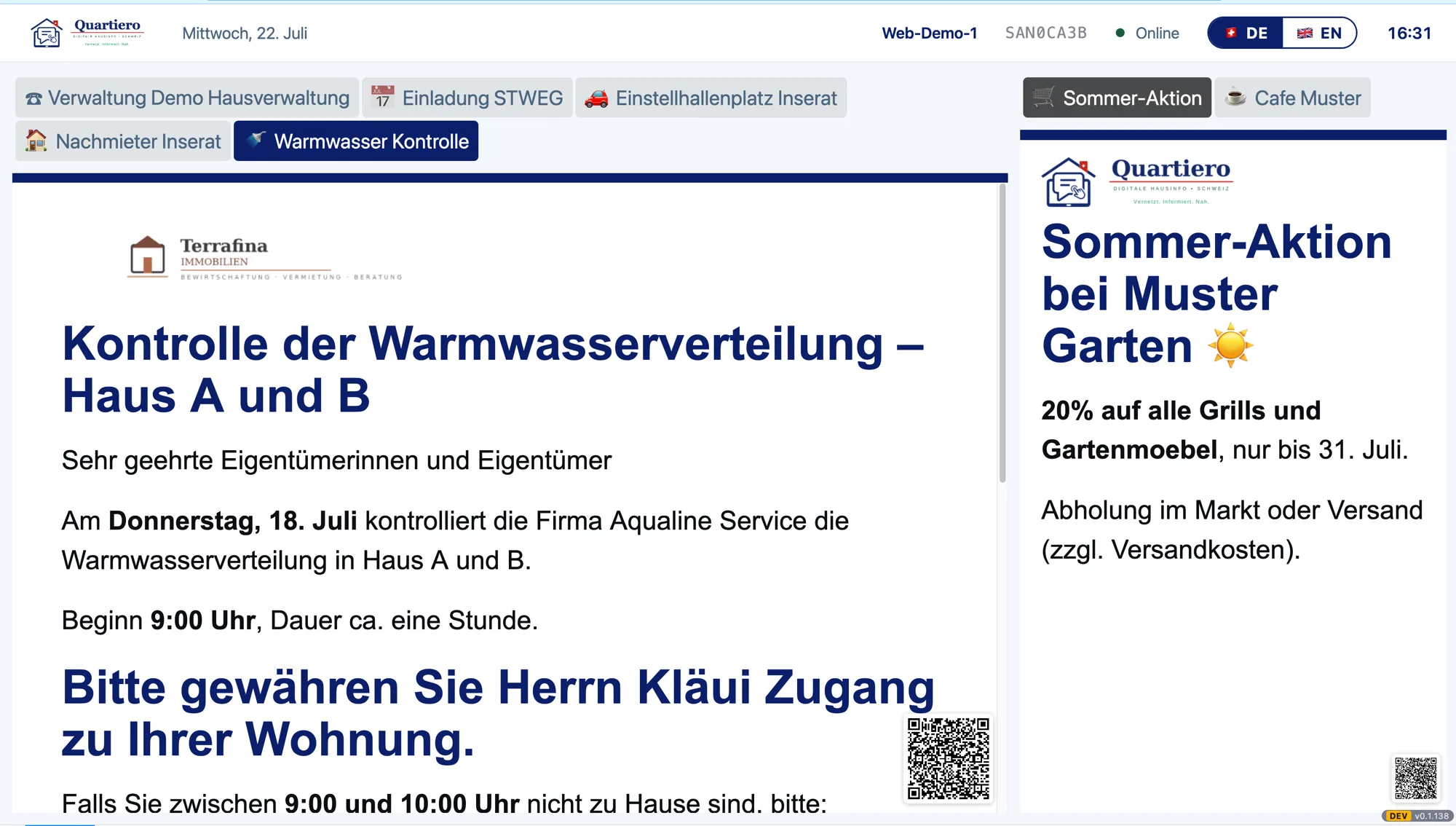
The stairwell notice you change from your desk
You manage rental properties and decide about the building without waiting for an assembly. That is what this page is for: what the screen in the stairwell changes about your day, and what it costs.
What is always included
- Delivered pre-assembled, a socket is enough
- Internet through the built-in cellular modem
- Content through a portal in your browser
fromCHF 30.00per month per screen

What Quartiero is, in one paragraph
A digital notice board for the stairwell: a touch screen in an apartment building that you maintain through a portal in your browser. It shows notices, house rules and everyday services, and a change is in the building a few minutes later. The device arrives pre-assembled, goes on mains power and brings its own internet through a built-in cellular modem.
From the notice board to the screen
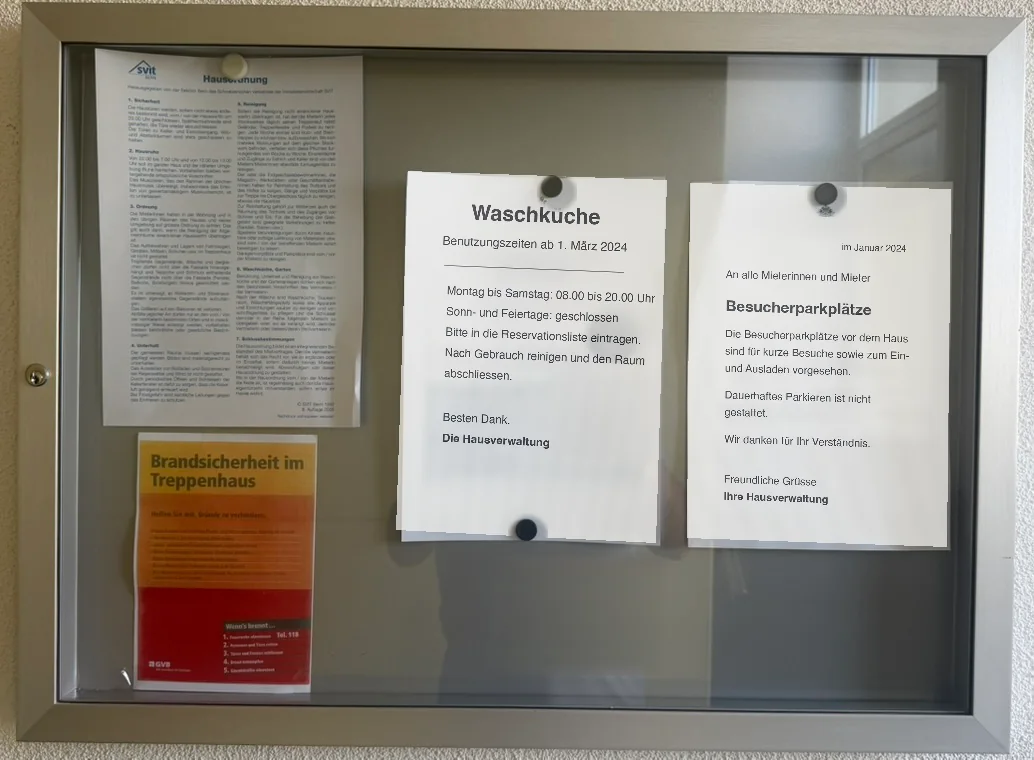
Today
- Print, drive out, post it
- Every correction costs a trip
- Last spring’s notice is still up
- Nobody knows afterwards what hung when
With Quartiero
- Change it in the browser, done
- A correction costs half a minute
- Expired items disappear on the date you set
- The deadline is on record before it is asked about
The questions that come before the contract
What does the device need in the building?
A socket in the stairwell. Nothing else. It arrives pre-assembled and brings its own internet through a built-in cellular modem, so no connection in the building is needed. Mounting and plugging it in is a caretaker job, no technical knowledge required.
What if someone damages the screen?
In the all-round package the device stays the property of Quartiero, and Quartiero covers maintenance and replacement. If an unknown person damages or steals it, Quartiero replaces it once you report the incident to the police and send Quartiero a copy of the report. For a purchased device the statutory warranty and the manufacturer guarantee apply.
How long am I tied in?
You cancel to the end of the month, there is no minimum term. A purchased screen stays yours, only the monthly licence ends. The details are in the terms.
Choose screens
Purchase or all-round package, and you pick the size. One-off amounts and the monthly one are shown separately so the figure holds no surprise.
You can fill the basket now. To order you then need an account, an organisation and your billing details; the basket survives all of that.