Digital notice board
House rules, notices and the waste calendar stay current in one place, instead of faded notes on the board.
The digital notice board for apartment buildings: a touch screen in the stairwell shows what matters in the building right now, kept up to date by the property manager. A clear view for residents, a simple tool for management.
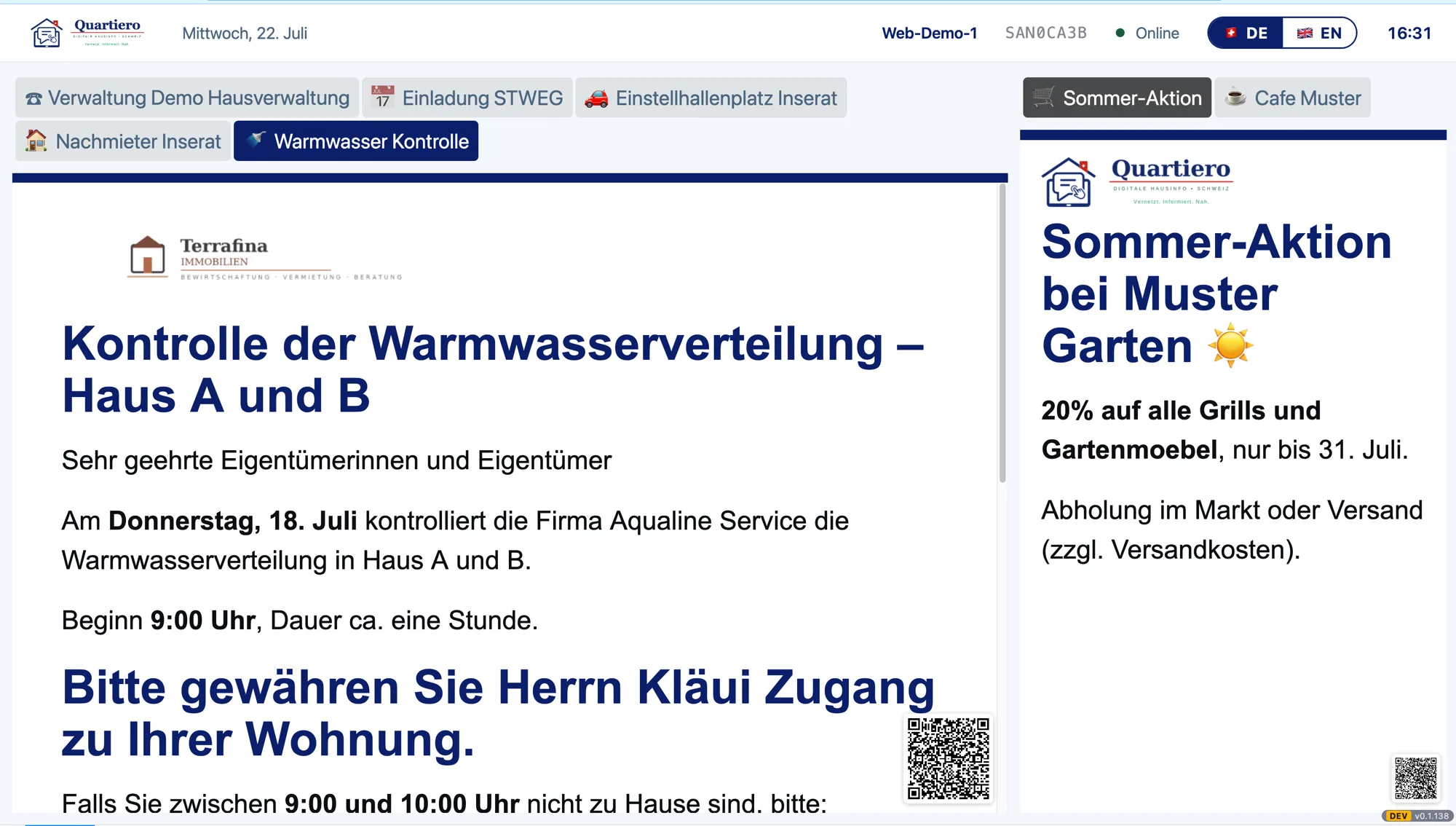
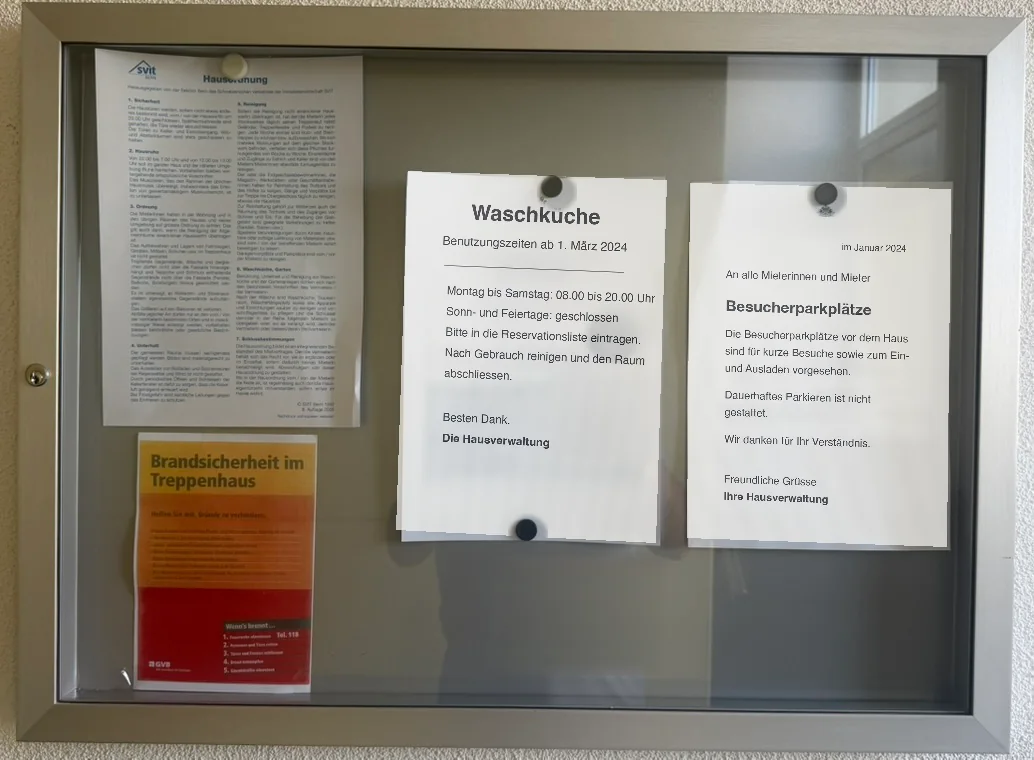
House rules, notices and the waste calendar stay current in one place, instead of faded notes on the board.
A slim strip above the building info carries the time, the local weather and the next departures within walking distance. Tap it to see the hourly forecast or the full departure board.
Residents take what matters to their phone via QR code, from an info sheet to a form.
Reserve the laundry room or see free parking spots right at the screen. First services are in planning.
A notice can carry a PDF, image, video or link. The resident taps it and views it right on the screen.
Content appears per language and the resident switches at the screen. German and English today, more languages are possible.
The same building info on the phone, paired via a code in the stairwell, with no login at all. In progress.
Management keeps content and devices up to date from a portal, with no technical knowledge and no on-site visit.
For a notice, image, PDF or video there is a template that appears in the building's layout.
A sensor wakes the screen when someone stands in front of it and saves power when the stairwell is empty.
Through playlists, management targets where and when content plays: all devices, a whole property or a single one.
Logo and colours per building: the screen appears in the manager's identity, not as a foreign device.
The device enrolls itself when switched on. You assign it to a building with a short PIN, then it runs on its own.
A quick change in the portal is instantly visible on all screens, with no delay and without anyone doing anything on site.
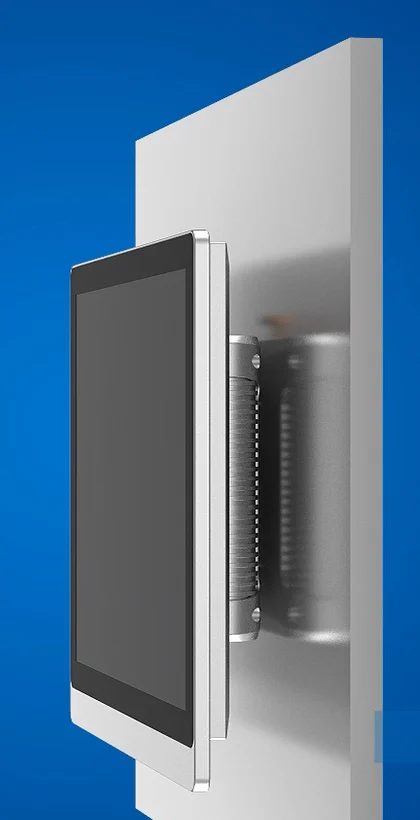
A robust wall-mounted touch screen, VESA-compatible and built for continuous use in the stairwell.
You decide per screen between purchase and the all-in package, and a device from the all-in package can be taken over later.
An mmWave sensor detects whether someone is standing in front of the screen. It wakes the screen when someone arrives and saves power when the stairwell is empty. Reach is counted anonymously only, with no camera and no personal reference (revDSG). Unlike a simple motion detector, it also recognises a person standing still and reading.
Platform and data run on Swiss cloud infrastructure.
The screen counts anonymously only, no one is linked to a person (revDSG).
Updates and remote maintenance run automatically, the caretaker does nothing.
The operator sees the state of each screen (online, version) and can update it remotely, pull a screenshot or restart it.
If the network drops briefly, the screen keeps playing the last loaded content and catches up once it is back online.
We are happy to show you how Quartiero looks in the stairwell and how getting started works.