
Back to helpGuide
Invite more people to the team
Everyone on your organisation’s team helps maintain placements, content and playlists. The owner and the admins of the organisation can invite.
As a video
The video has no sound, the steps appear in it as subtitles.
Step by step
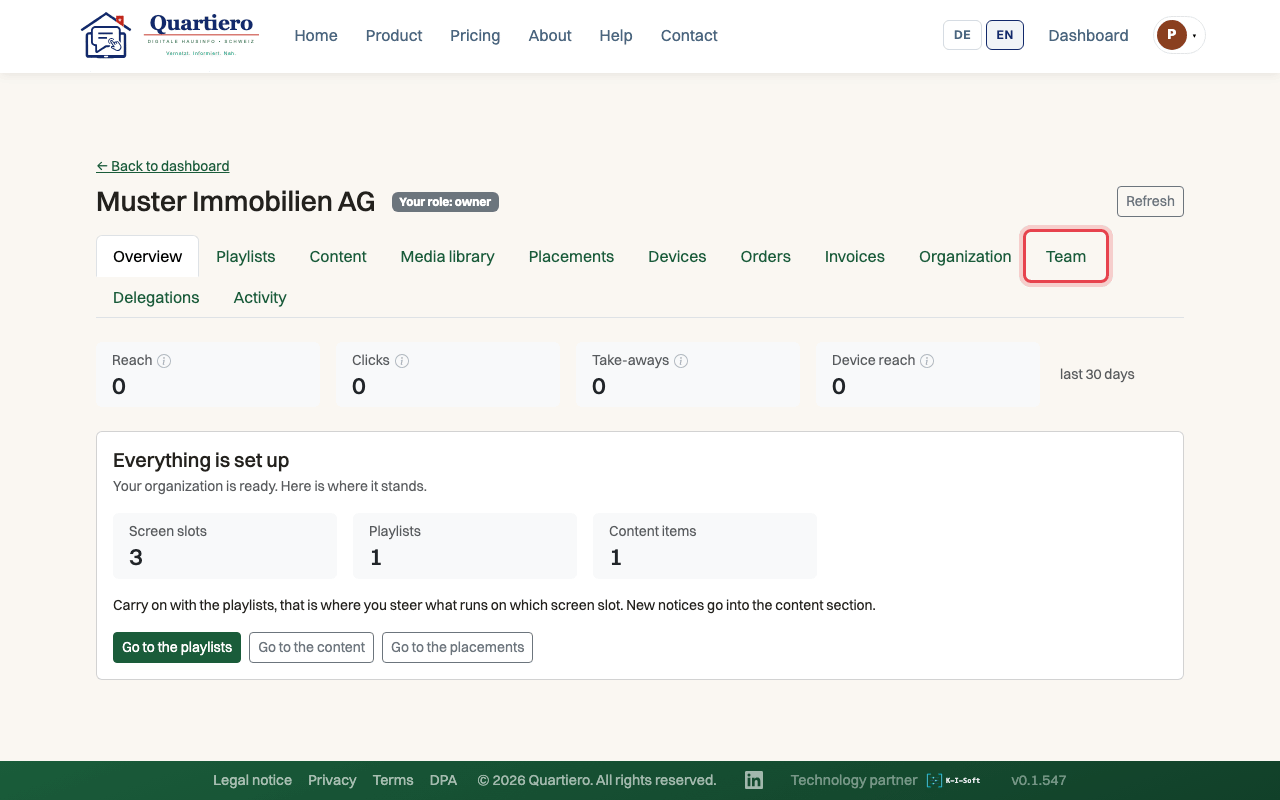
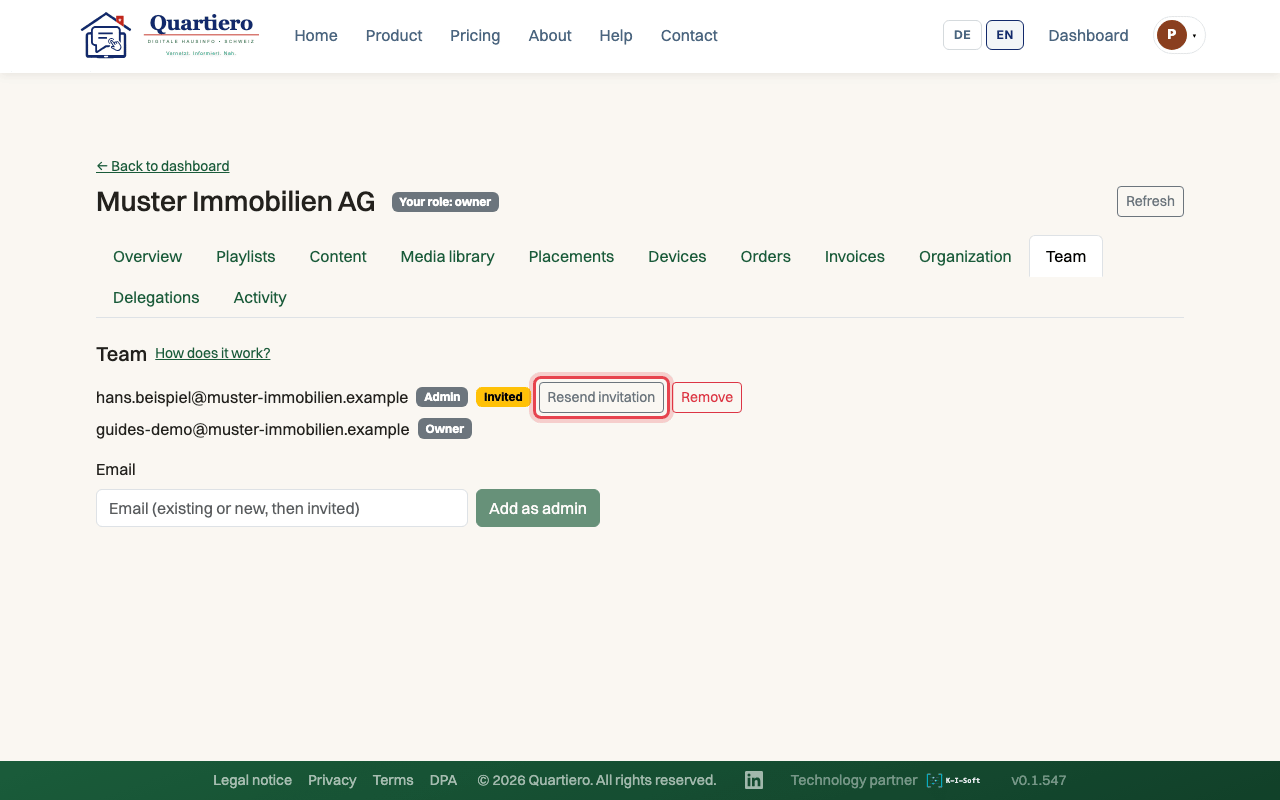
Step 1: Open your organisation and the “Team” tab.
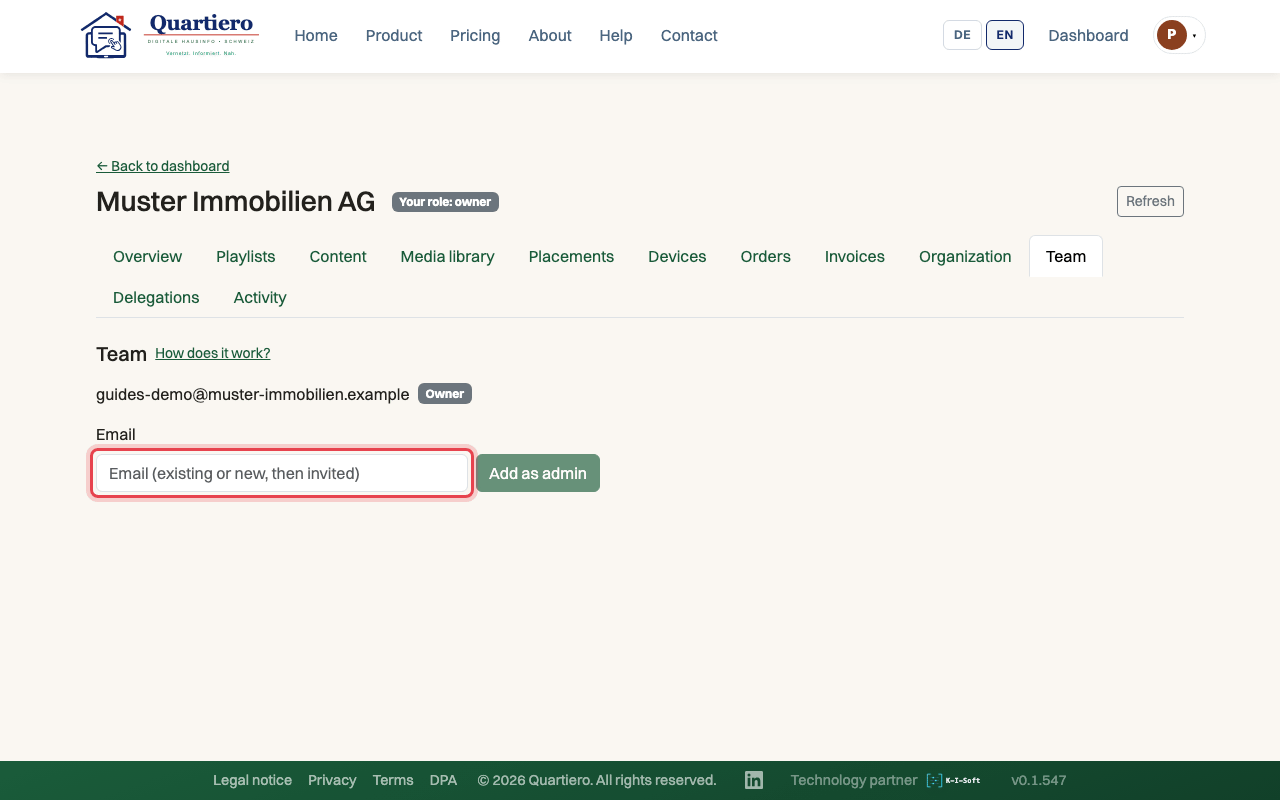
Step 2: Enter the person’s email address.
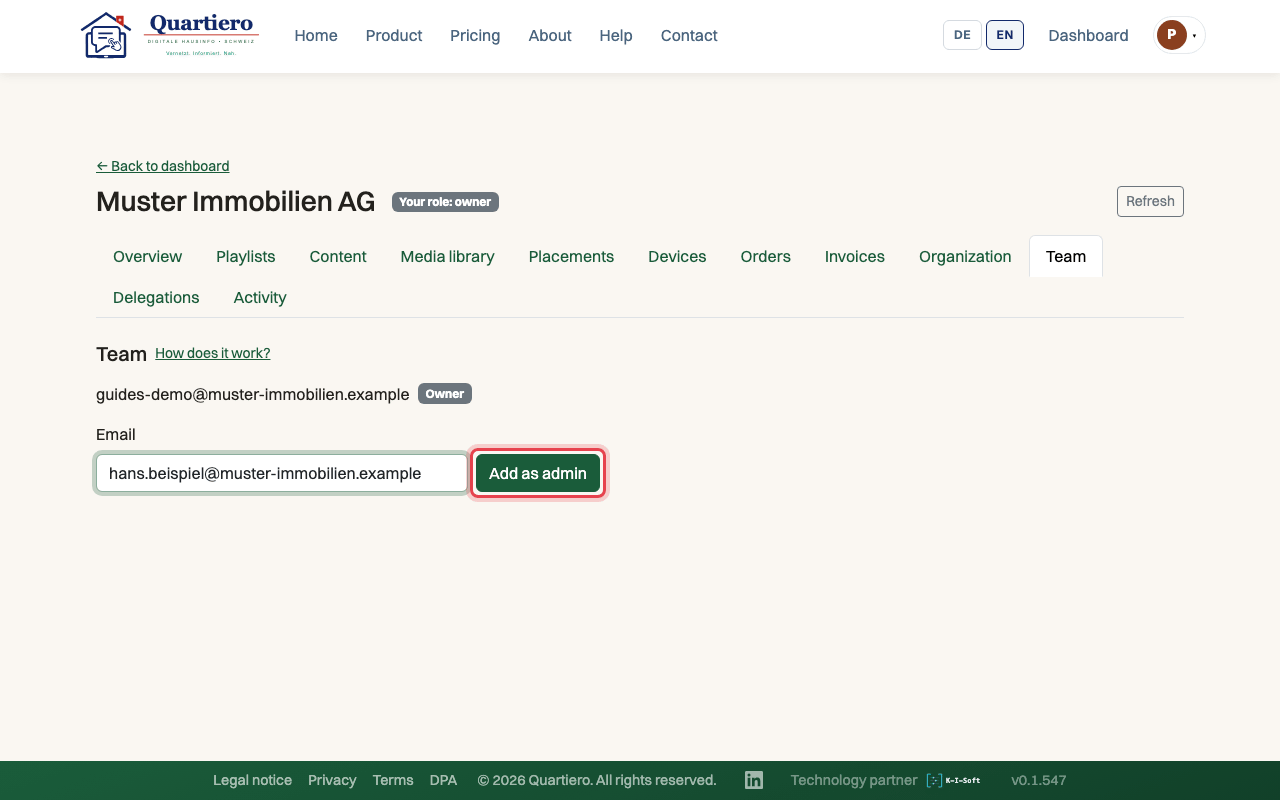
Step 3: Click “Add as admin”.
Step 4: Without an account the person shows as “Invited” and receives an email invitation.
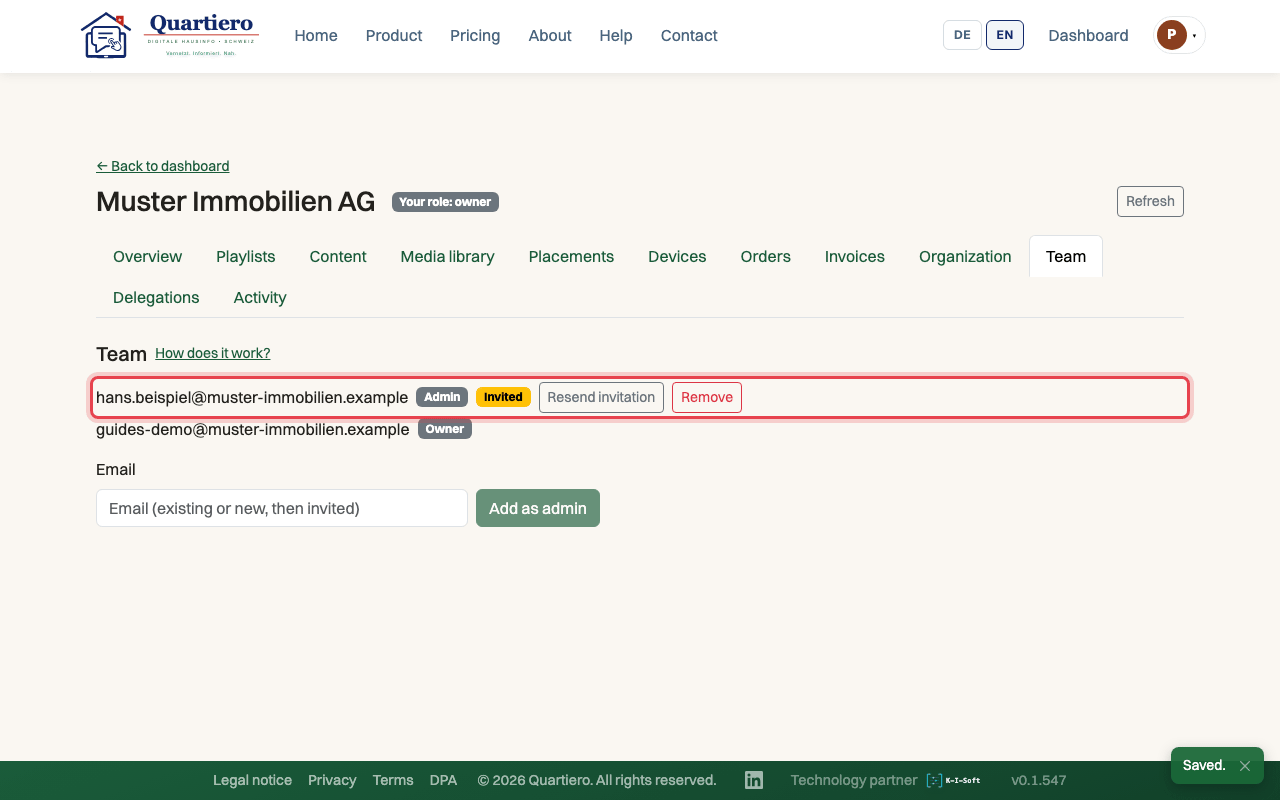
Step 5: If no email arrived, click “Resend invitation”.
Stuck at some point? Then write through the contact page. Get in touch